When drawing winners, you have the option to use the "Notify Winner" button to programmatically send the winner an email. But before you do, make sure you fill out the prize pickup contact info! This guide will show you how.
For a video tutorial demonstrating how to select a winner, click here.
1. Login to your account.
2. If necessary, select a location or organization.

3. Click "Win" to view all of your contests.
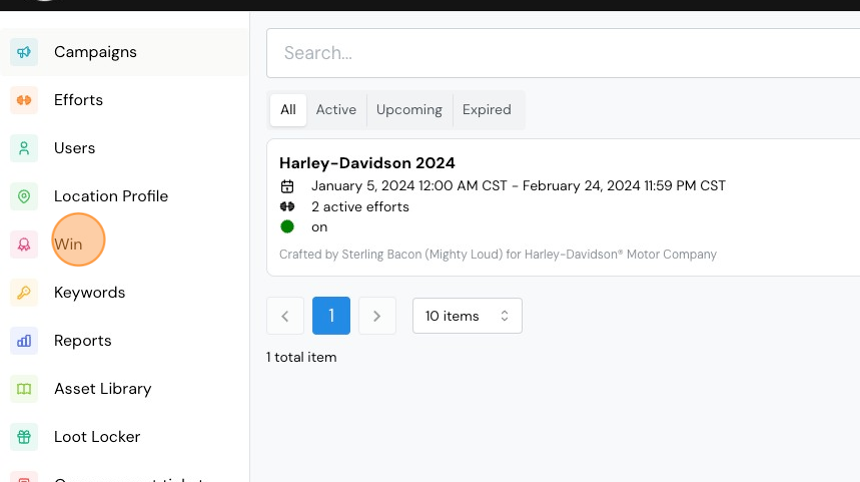
4. Click the Contest Name.

5. Toggle "Quick Settings" to OFF to reveal additional controls.

6. On the Edit tab, scroll down until you see the Prize Pickup contact name and info. Fill in the name, number, email address, pickup deadline date/time and timezone.

7. Click "Save"

Comments
0 comments
Please sign in to leave a comment.