Adding your dealership's logo in the H-D® Dealer Promo Tool is quick and easy, and you want to be sure to do it because it will impact some customer-facing elements, including your Gallery landing page.
The Gallery landing page is where the QR code, provided as part of the One-QR-Code-Solution, directs your customers to the various campaigns in which your dealership is participating.
Image below for reference.

1. Login.
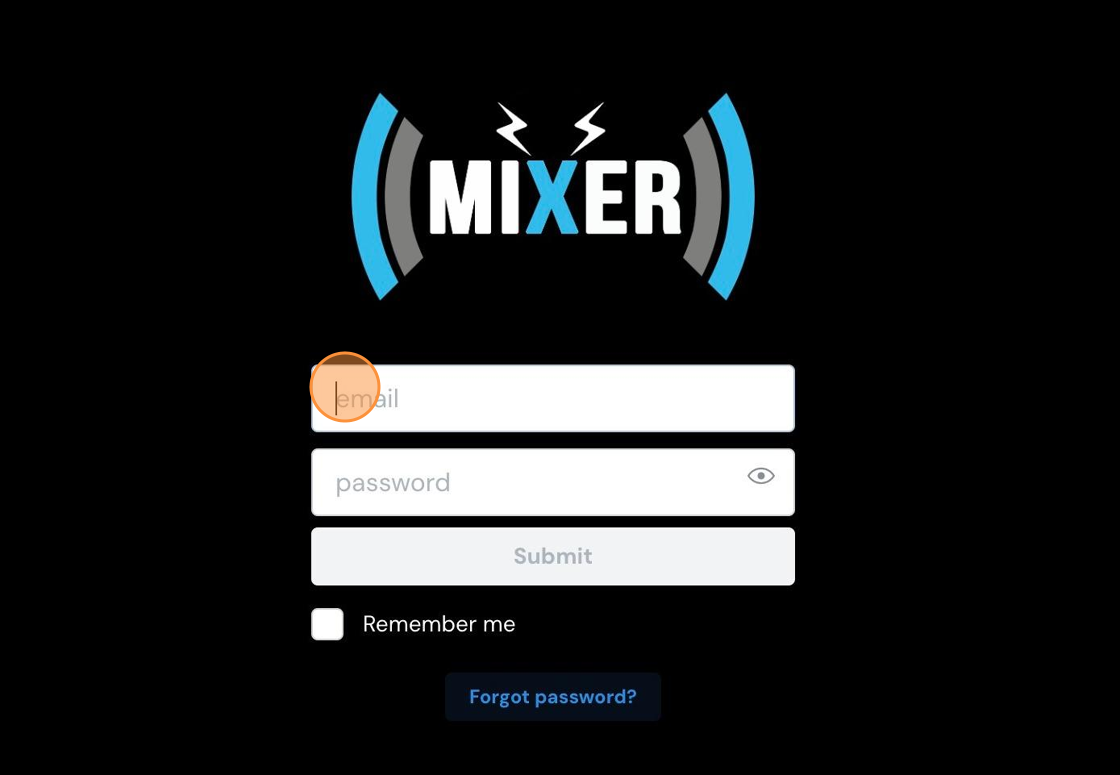
2. Click "Location Profile" in the left-hand navigation bar.

3. Click the profile image placeholder. Or, if you're replacing an existing logo, click the logo.

4. An upload window will open. Navigate your local hard drive and locate a logo file. Select it and then click "upload."

Tip! Ideally, try to use a .PNG file with a transparent background to ensure the cleanest representation of your logo.
Comments
0 comments
Please sign in to leave a comment.