As you use the H-D® Dealer Promo Tool, you'll notice that QR codes appear in various places. For example, each Campaign and Campaign Effort has a unique QR code. Sometimes, you may choose to use them when you want to provide direct customer access to a specific contest that is a priority for your dealership.
However, most often, customers will use the Gallery QR - the QR provided as part of the One-QR-Code-Solution - because they'll have easy access to any campaign in which your dealership is participating, and they can choose the one that they prefer.
Physical, adhesive copies of this QR were shipped to you for use throughout the year. Sometimes, however, you may need to access a digital copy of it. Here's how:
1. Login.

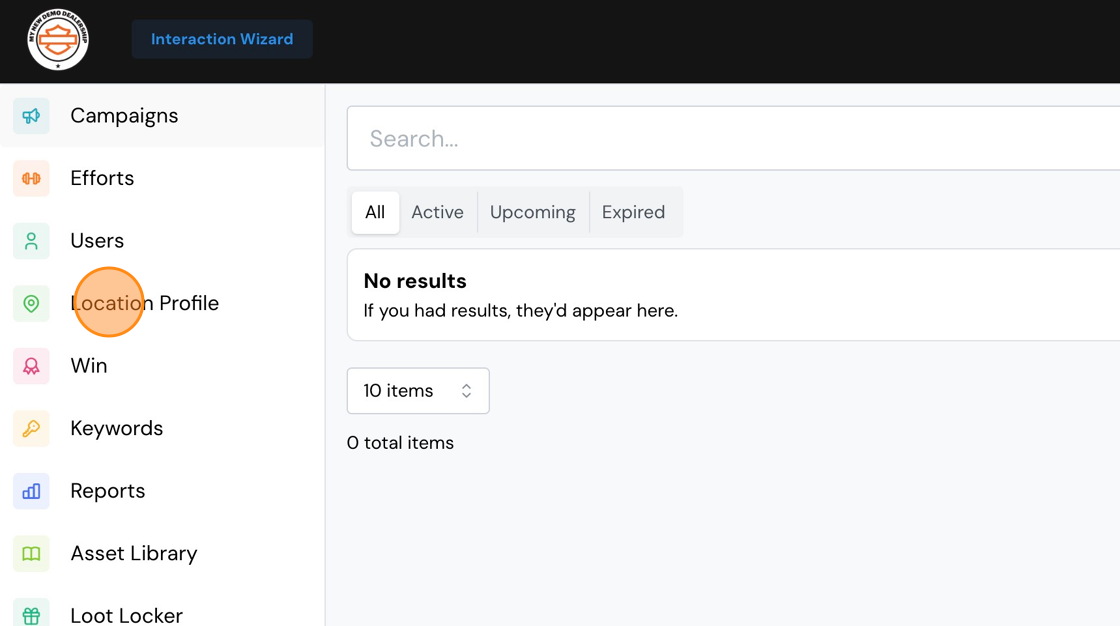
2. Click "Location Profile"
3. Scroll down until you see Gallery QR Code. Select your preferred size.

4. Click the QR code to download it. Note that the on-screen QR won't change size, but the downloaded file will correspond to your selected size.

Comments
0 comments
Please sign in to leave a comment.