Use this Report Recipe to create, save and pin a report of your keyword redemptions.
1. Click "Report Recipes"

2. Click "Keyword Claim Count By Effort"

3. Select the Effort.

4. Choose how you'd like the data displayed.

5. Click "Run Report"

6. Your results will display.

7. To save this and pin to your dashboard, click "Want to use this configuration later? Click here." This is right below the green "Run Report" button.

8. Name your report. Optionally, you may add a note or description. Click "Save"

9. Now, near the top of the screen, click the "Saved" tab.

10. Click "View" next to the report you've just named.

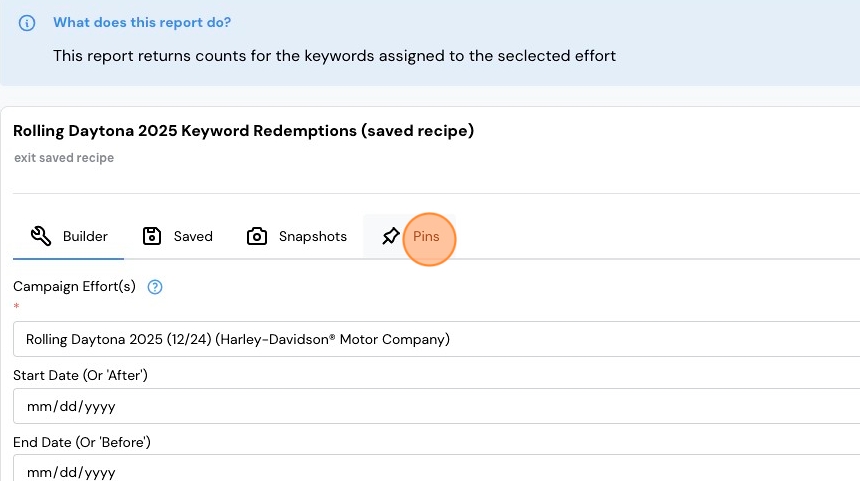
11. Click "Pins"
12. Click "Pin to dashboard"

13. Click "Dashboard", scroll down...

14. ...and you'll see the pinned report. To view it, click it and then click "Run Report."

Comments
0 comments
Please sign in to leave a comment.