This report will show you a list of all of your ride challenge validators and the number of validations each has completed during the selected ride challenge.
1. From your dashboard, click "Report Recipes"
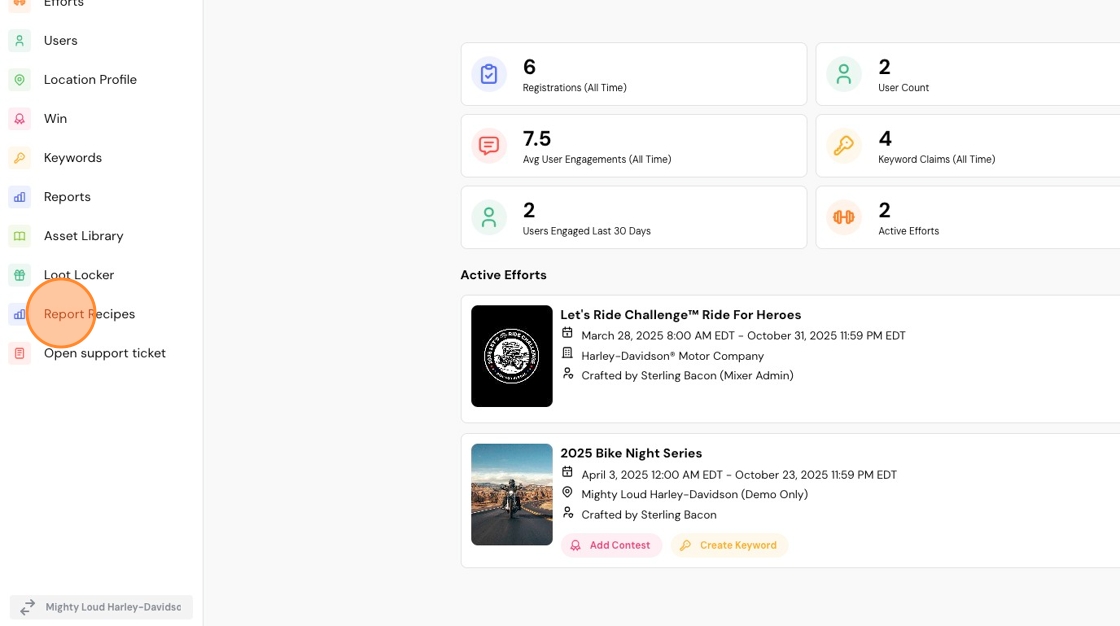
2. Select "Validator Rollup"
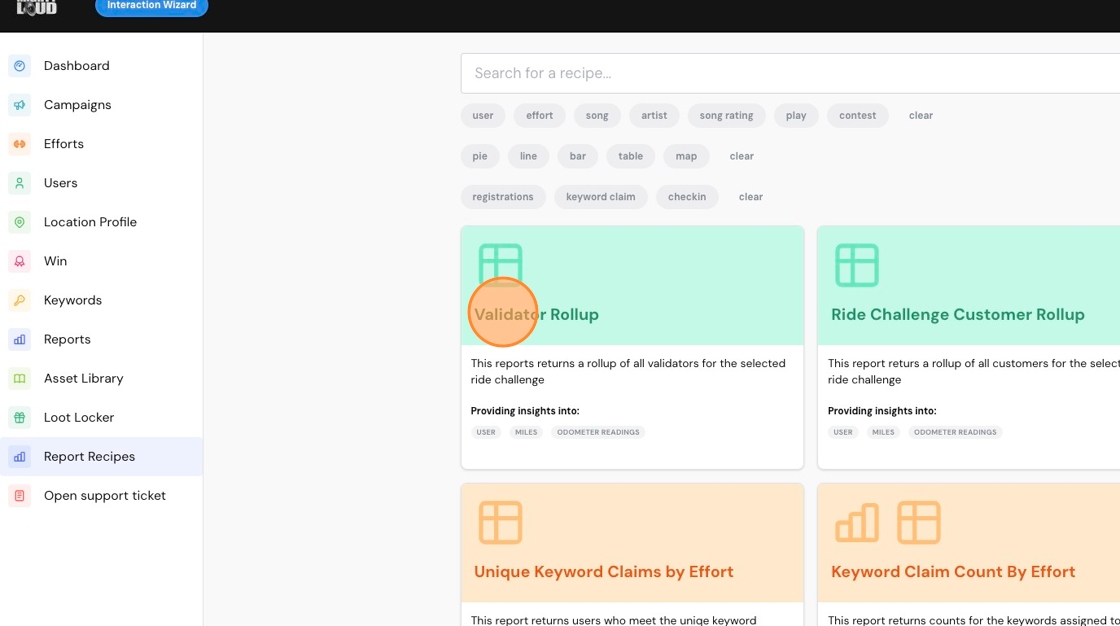
3. Select your ride challenge. In this case, it's "Let's Ride Challenge™ Ride For Heroes"

4. Click "Run Report"

5. Below, you'll see a list of your validators displayed by name.

6. The right-most column will show you the number of mileage validations they have completed.
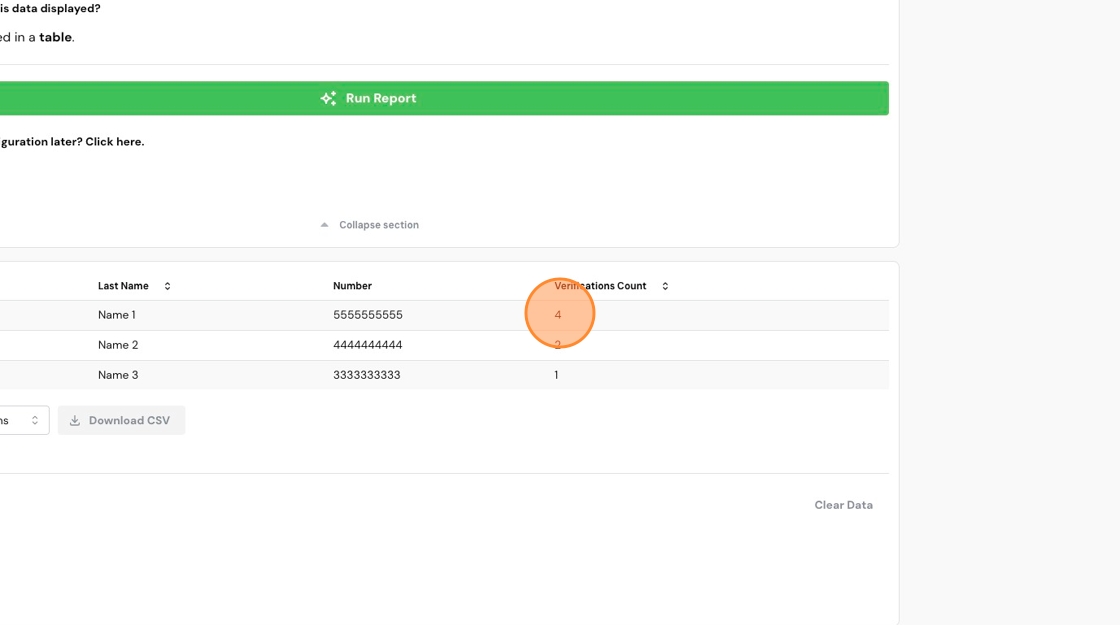
7. Optionally, click "Download CSV" to download this data for further analysis.

Comments
0 comments
Please sign in to leave a comment.