**This tutorial is for one specific scenario: Your dealership is participating in a larger, HDMC-presented sweeps, and you want to attach an existing contest to the sweeps.
1. Click "Interaction Wizard"

2. Click the "Link a contest to an organization's effort" field. This is how you attach a dealership contest to a larger, HDMC-presented sweeps.

3. Click the "Effort" field.

4. Select the Effort.

5. Click the "Select a sweepstakes" field, and choose the contest you want to add.

6. Click "Add"

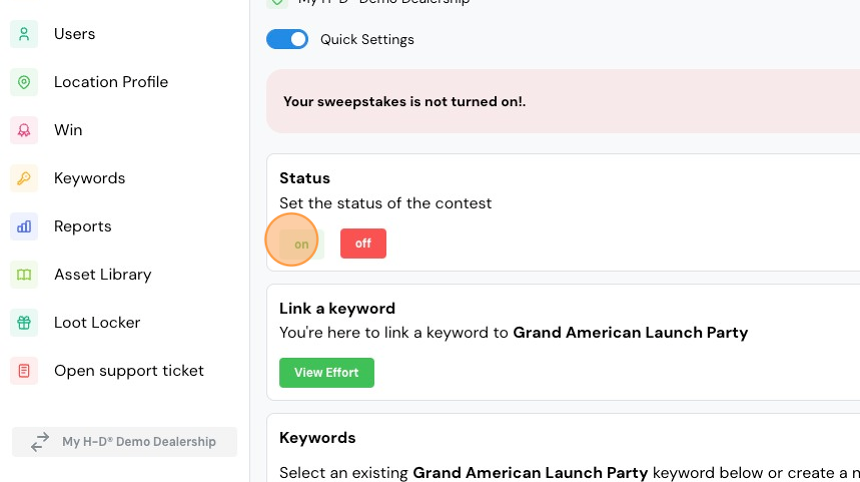
7. Click "on" to turn the contest on.
8. Click the "Create keyword" field.

9. Click the "Keyword" field.

10. Type your keyword.
11. Set your start/end dates and times.

12. Click "Add Keyword".

13. Turn your keyword ON, and repeat those steps to add additional keywords if needed.
Comments
0 comments
Please sign in to leave a comment.