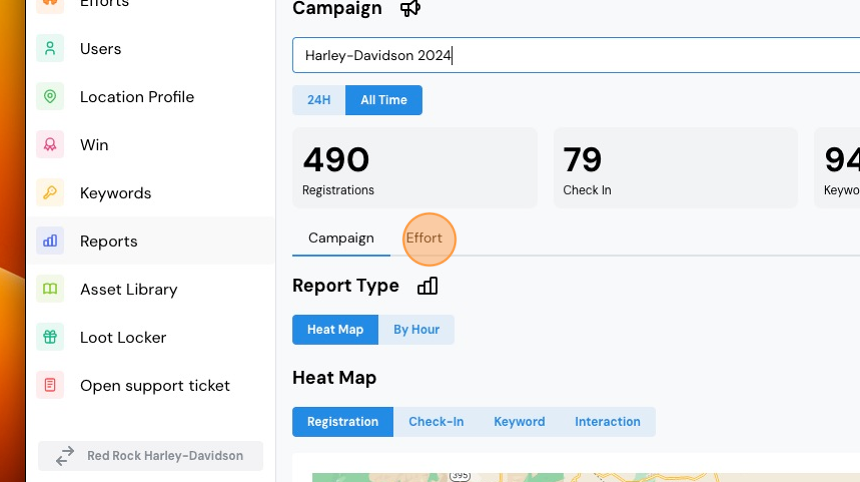
1. Navigate to "Reports" in your left-hand navigation bar. Now, select the Campaign.

2. Remember that a Campaign may contain multiple Campaign Efforts.

3. The first metrics you'll see are related to the Campaign. Since a Campaign may contain multiple Campaign Efforts, you may be looking at cumulative numbers. To narrow the results down to a specific Campaign Effort, choose the Effort tab highlighted in the image below.
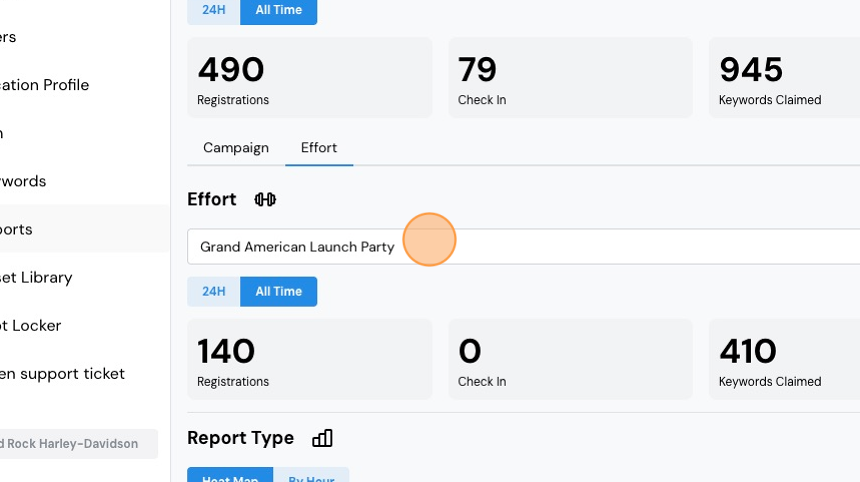
4. Now, select the Campaign Effort.
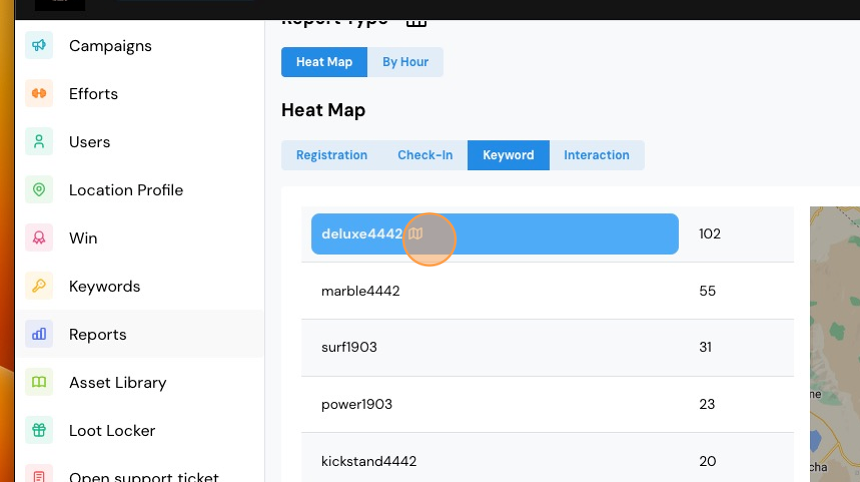
5. Above your heat map, you'll see some tabs, including a Keyword tab.

6. Click it to view keyword redemptions specific to that Campaign Effort.
Comments
0 comments
Please sign in to leave a comment.