If you're participating in a sweepstakes presented by HDMC, and you've created your own keywords for in-dealer contesting, you can also attach those keywords to the Grand Prize or Prizes offered by HDMC.
For example, if you're participating in Rolling Laconia, and the grand prize is a 2024 Street Glide®, and you're giving away swag bags and other premiums as part of your in-dealer incentives, you can attach keywords you've created as part of those giveaways to the Street Glide® as well. Here's how:
1. Click "Keywords" in your left-hand navigation.

2. Click the keyword you want to edit.

3. Turn Quick Settings off.

4. Click the "Contests" tab

5. On the left, you'll see any contests to which you've already attached this keyword.

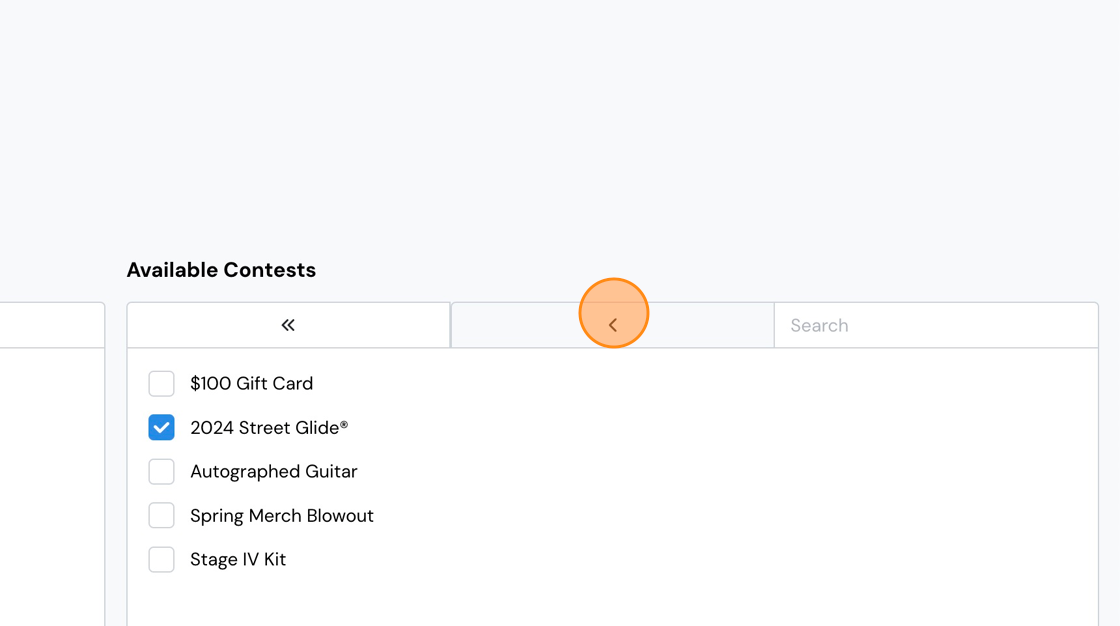
6. On the right, you'll see any contests that are available to attach to your keyword, including the motorcycle.

7. Select the contest(s) you want to attach to the keyword. Use the single arrow to attach individual contests, or use the double-arrows to attach all of them.
Comments
0 comments
Please sign in to leave a comment.